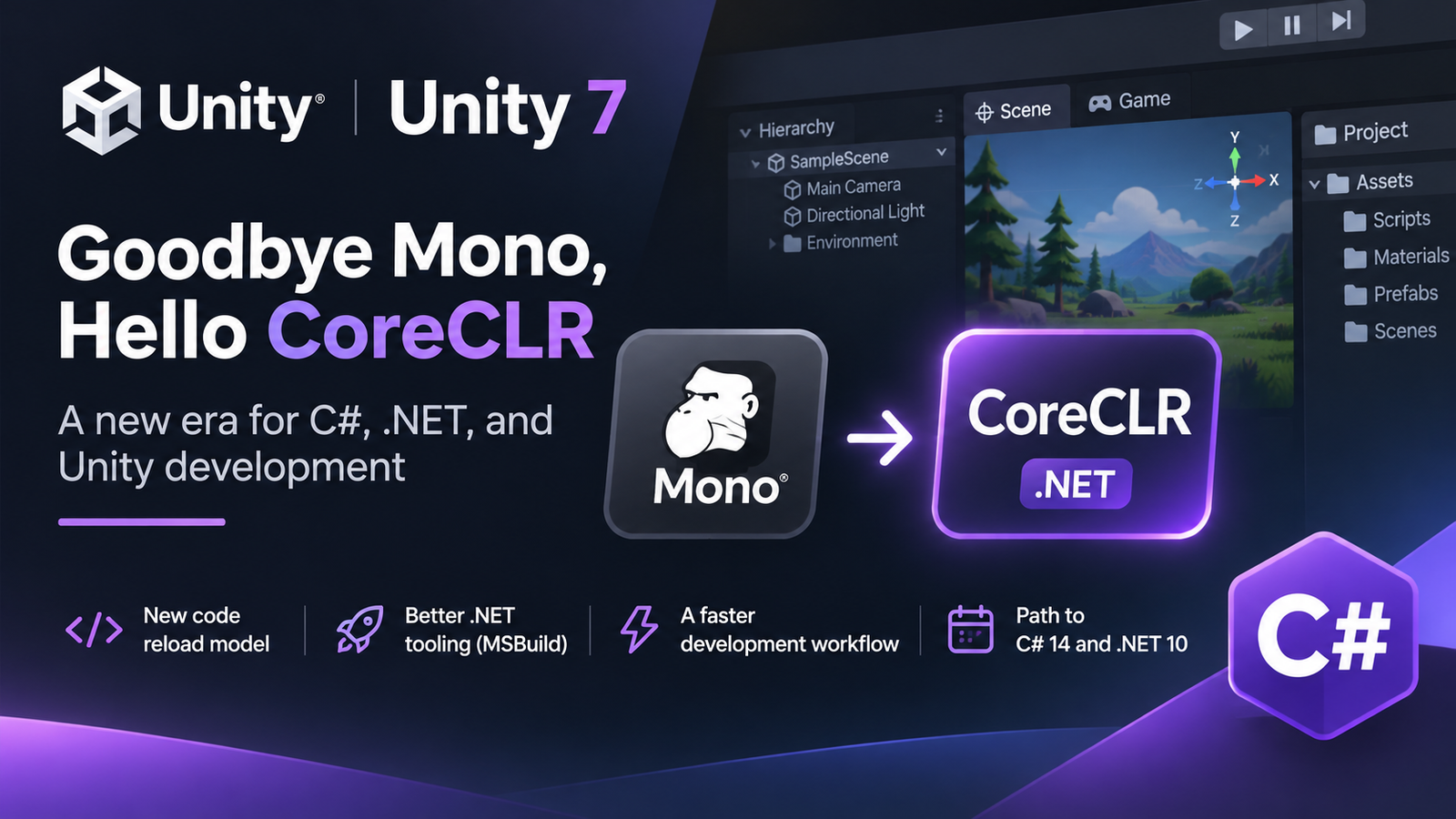
Unity is making one of its biggest changes to C# development in years. Here’s what CoreCLR means for game developers.
If you’ve worked with Unity, you’re probably familiar with this situation: you change a few lines of C#, return to the Editor, and wait for your scripts to reload.
For years, Unity has relied on Mono, an implementation of the .NET runtime, to execute C# code in the Editor. While Mono has served Unity well, the wider .NET ecosystem has evolved significantly.
Now, with Unity 7, Unity is finally taking a major step toward modernizing its C# infrastructure by replacing Mono with CoreCLR.
What Are Mono and CoreCLR?
When you write C# code, it doesn’t execute directly on your computer’s processor. It needs a runtime environment to manage execution, memory, garbage collection, and other essential operations.
Historically, Unity has used Mono for this purpose.
CoreCLR, on the other hand, is the modern .NET runtime developed as part of Microsoft’s open-source .NET platform. It includes technologies such as:
-
Just-in-Time (JIT) compilation: Converts intermediate code into machine instructions at runtime.
-
Garbage collection: Automatically manages memory occupied by managed objects.
-
Modern debugging: Provides access to the standard .NET debugging infrastructure.
-
Runtime optimizations: Benefits from ongoing improvements in the .NET ecosystem.
So why is Unity making the switch?
1. Faster Iteration and Less Waiting
One of the most interesting changes concerns how Unity reloads scripts.
Traditionally, Unity used AppDomain reloads to refresh its managed code environment. This could become increasingly expensive in large projects.
With Unity 7, the Editor moves to a new system based on AssemblyLoadContext (ALC).
Instead of resetting the entire managed application domain, Unity can manage the loading and unloading of assemblies more selectively.
This lays the groundwork for faster iteration, particularly in large projects.
However, there’s an important detail: Unity isn’t promising dramatic performance improvements in the initial release. Its immediate priority is compatibility and stability. Major optimizations are planned for later releases.
2. Modern C# and .NET 10
Another exciting part of Unity’s roadmap is support for C# 14 and .NET 10.
For developers accustomed to modern .NET development, this is particularly welcome news.
Modernizing Unity’s runtime should gradually make it easier to benefit from newer language features, framework APIs, libraries, and tools.
But there’s a distinction between what’s available and what’s planned:
-
Unity 7 alpha: CoreCLR-powered Editor, still using C# 9 and .NET Standard 2.1.
-
Future Unity 7 updates: Targeting C# 14 and .NET 10, with no confirmed public release date.
The transition is gradual rather than an overnight upgrade.
3. Better Tooling with MSBuild
Unity is also working on integrating MSBuild, the build system used throughout the modern .NET ecosystem.
This could improve how developers compile projects, manage dependencies, integrate IDEs, and automate builds.
It also opens interesting possibilities for CI/CD pipelines and AI coding agents.
For example, an automated development tool could eventually compile or validate C# changes using a more standardized workflow, without relying as heavily on custom Unity-specific compilation processes.
These improvements are still being developed, but they point toward a more open and flexible development environment.
4. What About Existing Projects?
Replacing an entire runtime is not a trivial operation.
Although Unity expects most projects to remain compatible, certain behaviors may change.
One particularly important example involves static variables.
Previously, AppDomain reloads often reset static state automatically. With the new reload architecture, developers need to be more deliberate about cleaning up static data and event subscriptions.
Some Mono-specific APIs and third-party packages may also require changes.
Unity recommends using its Project Auditor to identify potential compatibility problems before upgrading.
It’s also worth remembering that CoreCLR doesn’t mean IL2CPP disappears. Unity is separately modernizing its IL2CPP backend for platforms that require ahead-of-time compilation.
A New Chapter for Unity
Personally, I find this transition more interesting than many of the graphical features usually highlighted in engine updates.
Graphics improvements are immediately visible, but changes to the underlying runtime can affect how developers work every single day.
CoreCLR won’t magically make every Unity game faster. And developers shouldn’t expect instant compilation or full modern .NET compatibility from the first alpha.
But it represents a major architectural investment that could make Unity development faster, more flexible, and better aligned with the broader C# ecosystem over time.
For an engine built around C#, that’s a significant step forward.
Leave a Reply